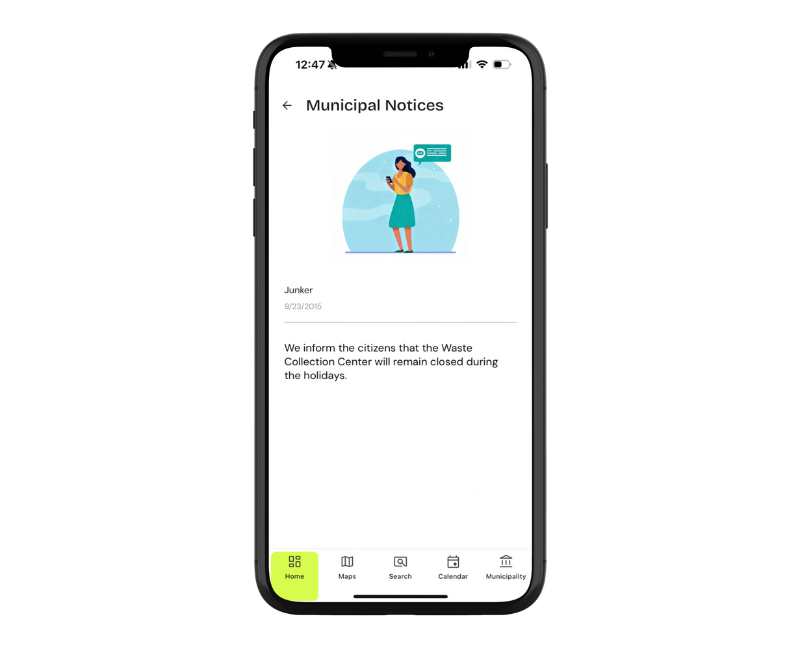

With Junker, the Municipality, the Collection Manager and the citizen can communicate in a simple, fast and traceable way.
Reports and notices: a direct link between the municipality and citizens
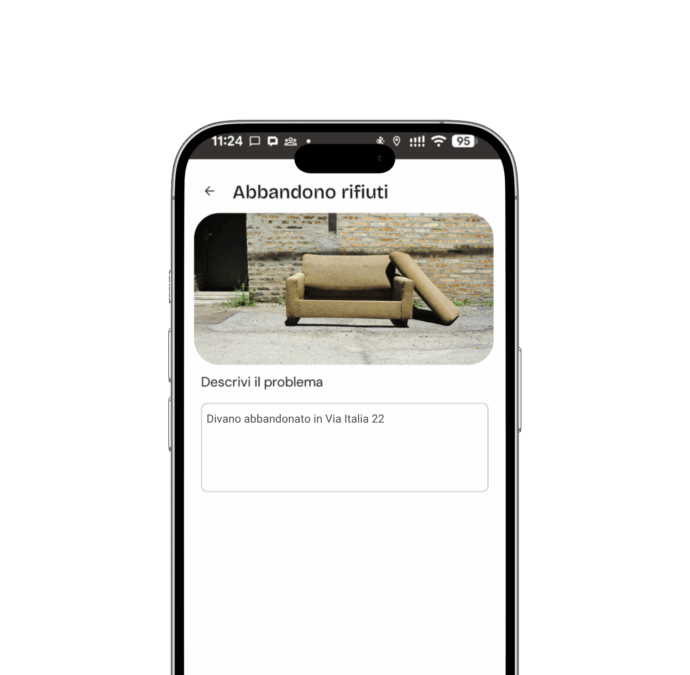
Environmental reports, but not only
All relevant information—from a change in the collection schedule to a report of environmental degradation—is centralized in a single platform. No more missed calls, forgotten certified emails, or fragmented information.
Each report is tracked, assigned, and managed by the Municipality through the Administrator Dashboard. This speeds up processing and reduces response times.
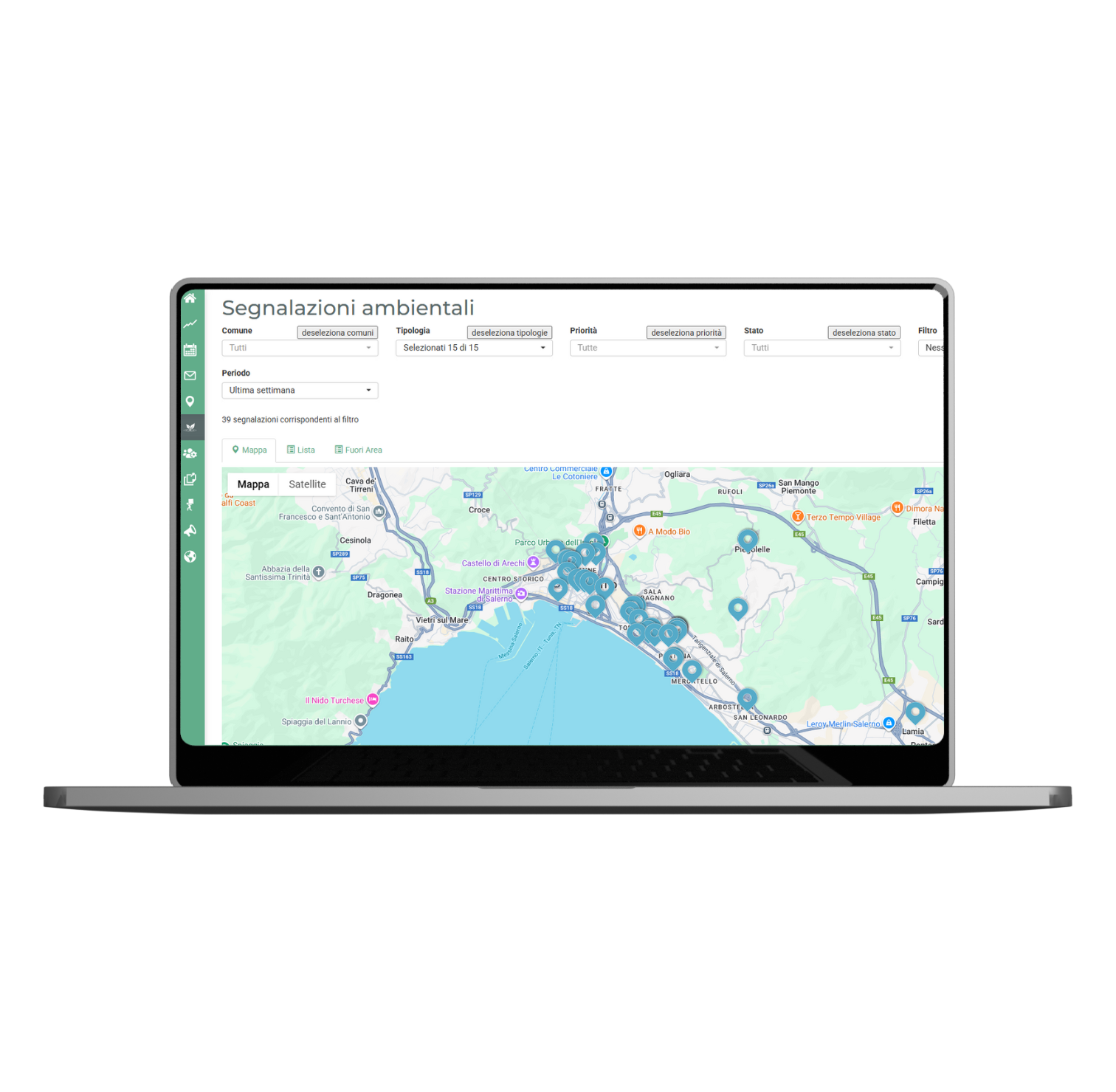
An open communication channel in both directions
Junker allows the Municipality and/or the collection manager to:
- Send targeted alerts to specific user groups (e.g., neighborhoods, streets, housing types);
- Receive geolocated reports from citizens, complete with photos and descriptions;
- Activate geolocated and immediate push notifications.
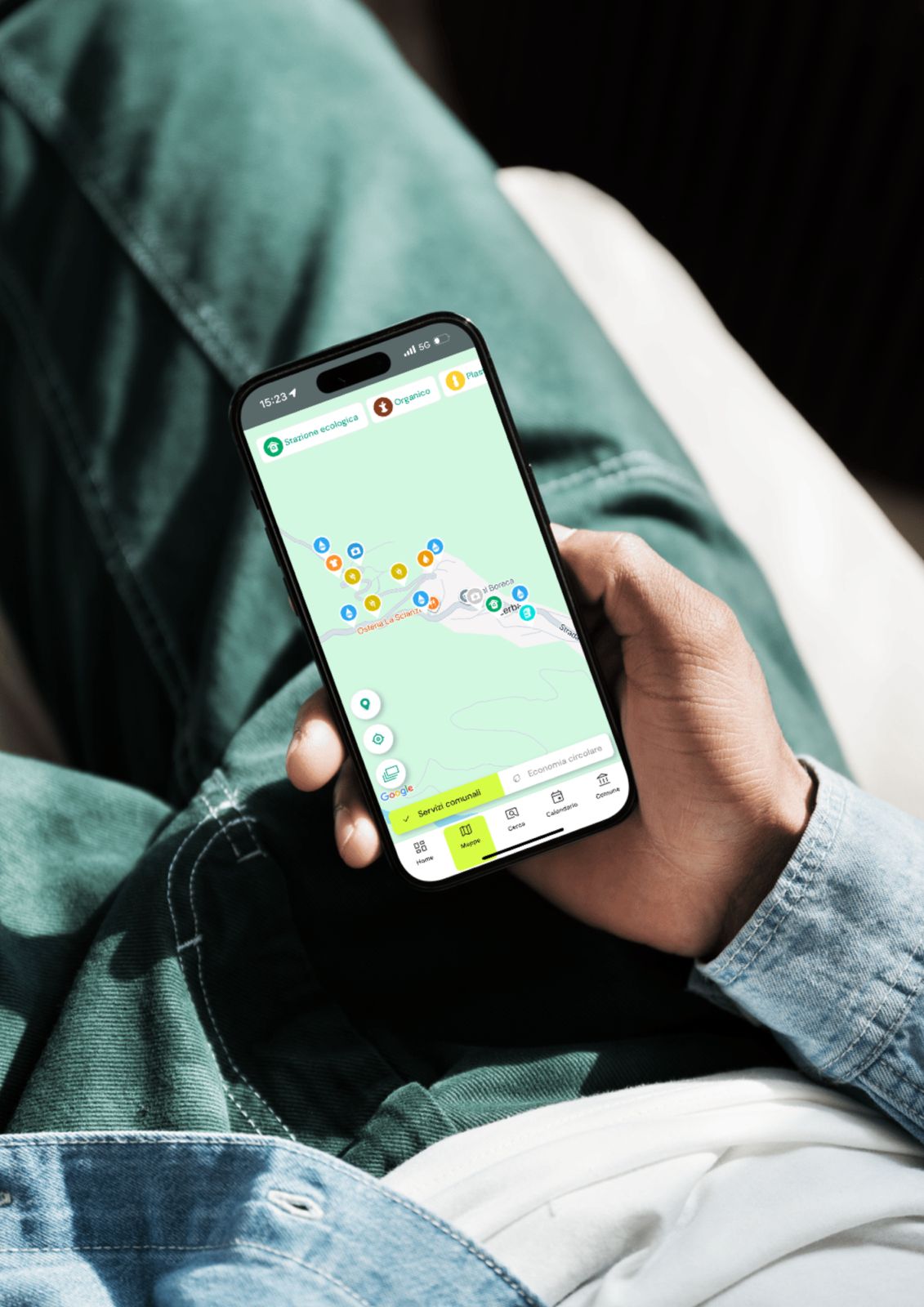
Thanks to the app’s integrated function, citizens can report problems in just a few seconds, such as:
- damaged bins, abandoned bins, or collection issues;
- anomalies at collection points, calendar issues;
- requests for assistance or clarification.
Each report is tracked, assigned, and managed by the Municipality through the Administrator Dashboard. This speeds up processing and reduces response times.
Messages and notices to citizens
The Municipality and/or the Collection Manager can:
- schedule automatic alerts for holidays, temporary changes, and exceptional events;
- send personalized push notifications targeted to specific streets or neighborhoods;
- update any useful information in real time, adding it to the Municipality’s official web, mail, and social media channels.